Blog / Server migration without downtime: moving a live shop
Building · Back-office · Reliability
Server migration without downtime: moving a live shop
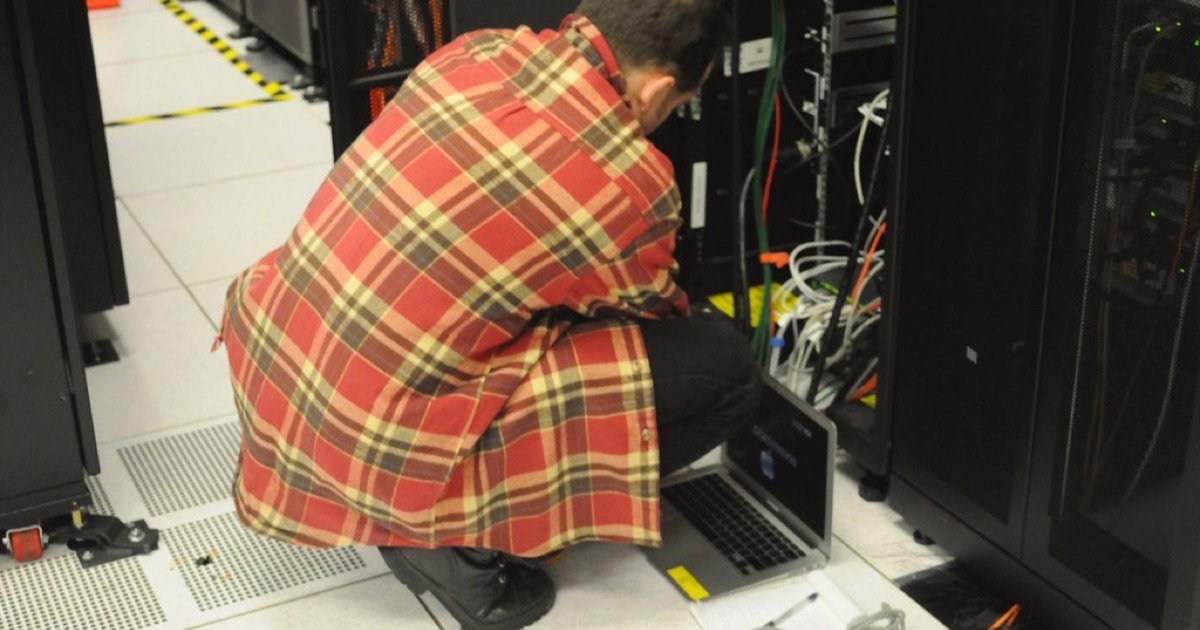
If a till cannot make a bill at lunch time, there is a queue of hungry people and an angry owner.
So when I had to move DukaanKit from one server to another, I wanted a server migration without downtime for the shop. This is how it went, including the first plan, which was not safe, and the one thing I did not test.
Why move at all
DukaanKit started on a server it shared with my other projects. That was fine for building, but it is not where a shop's billing should live. I wanted DukaanKit on its own machine, with its own backups and nothing else competing for memory. The new server is in Europe. Three things had to move together, with the database: the service the tills talk to, the owner's back-office, and the download site that gives tills their updates.
What "server migration without downtime" really meant
I will be honest about the phrase. The server side was down for a few minutes. What I mean is that the shop never felt it. Two things made that possible.
The tills work offline. A DukaanKit till saves every bill on its own disk first and sends it to the server after. If the server is unreachable, billing carries on and the bills wait in a queue. So even a daytime move should not have stopped the counter. I still did not want to try that.
The shop was closed. I checked that no order had come in for hours, and I did the move in the early morning before opening.
The rehearsal found five problems
Days before, I set up the new server as a rehearsal copy: same code, a copy of the data, but with the scheduled jobs, emails and notifications switched off, so it could not act like the real thing by accident.
Then I wrote the move as a script and read it again a few days later with fresh eyes. The plan as first written was not safe. Five things were wrong.
- The new server had old code. Since the rehearsal, I had shipped a release to the live server that changed the database. The move script only started the services. It did not rebuild them. It would have run a newer database with older code.
- The address plan disagreed with itself. One note said to move three addresses. Another said to move everything under the domain. The second would have dragged along other services that were staying behind. I chose the narrow option: move only the three names that needed to move.
- The old server could wake up. It was set to restart its services on a reboot. That would have given me two live databases, each taking bills from different tills. The script now switches that off before anything else.
- I had not proved the settings matched. If one secret setting differs between the servers, everyone is signed out, or payment events are rejected. I compared them by fingerprint, so the values never left the machines.
- A plain restart would have ended the rehearsal early. On the new server, one ordinary command would have switched the scheduled jobs on while the old server was still live.
Each was found by reading the plan slowly.
A banner that works when the server is off
Owners open the back-office on their phones at odd hours, and I did not want one of them to find a broken page. So before the move I added a small maintenance banner: an amber strip across every back-office screen, in English, Hindi and Kannada. The important detail is how it is served. It does not depend on the main service being up, because the main service is exactly what is switched off during a move.
The tills do not show it. They do not need to. They keep billing.
The morning itself
In order:
- Banner on.
- Check again that the shop was quiet.
- Stop the old service and make sure it could not restart.
- Take a final copy of the database and load it on the new server.
- Count the rows on both sides, table by table. Every count had to match exactly. They did.
- Start the new server in live mode.
- Point the three addresses at it.
- Check that each address answered from the new server with a valid security certificate.
Two things went wrong, both small. The domain company's settings page showed an error for a while, and I had to find another way in. And the first security certificates came from a fallback provider because the new server had asked for them before the addresses pointed at it. One restart of that one piece fixed it.
Then I signed in to the back-office and the admin area on the new server. Both worked.
What I did not test
I did not make a test bill from a till that morning. The first real bills when the shop opened were the test. I knew that when I decided to go ahead. It worked, but "it worked" is not the same as "it was tested", and I would make that test bill next time.
I also had a way back. Until the first real bill landed on the new server, going back was free: point the addresses at the old server and start it again. After that first bill, going back would mean moving data the other way. So the decision to stay or return had to be made that morning, before I slept.
If you run a small system yourself
Rehearse on a copy. Read your plan again after a few days. Make sure the old system cannot start by itself. Count the rows on both sides. And know the moment your way back stops being free.
If you run a food counter and just want billing that keeps working, you can create a free shop account. Questions go to WhatsApp +91 99165 16507 or support@dukaankit.in.
About the author. Arsalan Ahmed is building DukaanKit in Bengaluru and writes here about how it is going, including the parts that go wrong. Questions: WhatsApp +91 99165 16507 or support@dukaankit.in.