Blog / Swiggy Zomato commission calculator: a ₹500 order
Guide · Free tools · Food counters
Swiggy Zomato commission calculator: a ₹500 order
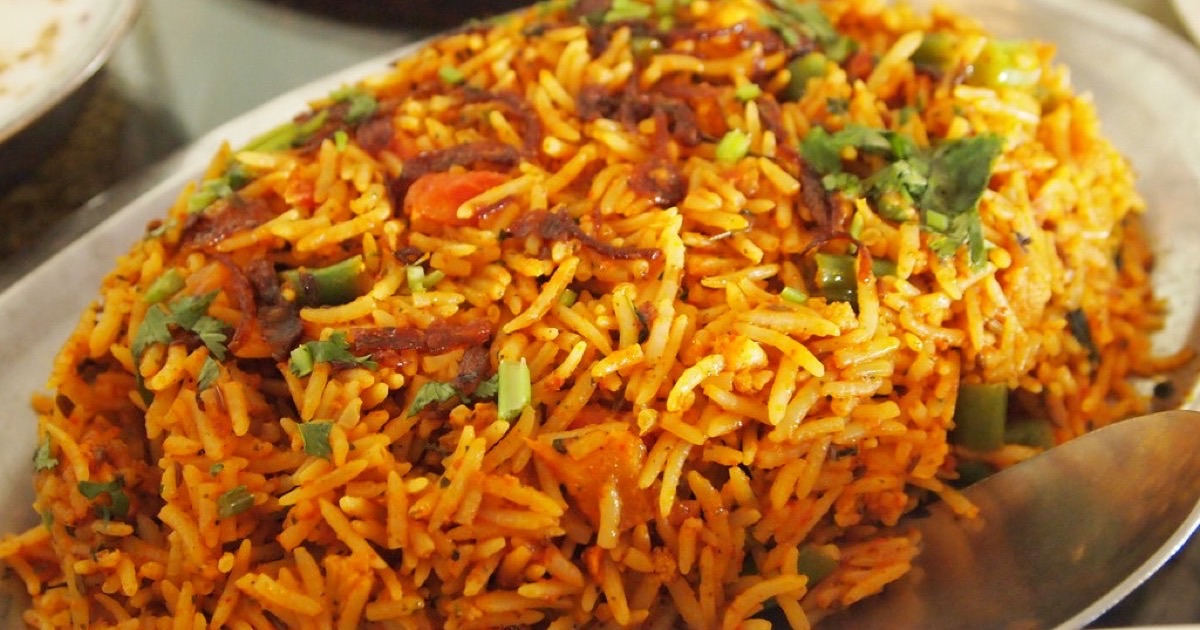
A customer orders ₹500 of food from your shop on a delivery app. How much of that reaches your bank account?
Most owners I have spoken to know the commission percentage. Fewer can say the final number, because the commission is only one of the cuts. That is why I built a free Swiggy Zomato commission calculator. In this post I will walk through one order with it, line by line, so you can do the same with your own numbers.
One warning before we start. The percentages below are example values, not anyone's real rates. Every restaurant has its own contract, and the rates change with city, category and time. Take your figures from your own payout statement.
The example order
Here is the order we will use. These are the calculator's starting values.
- Menu price on the app: ₹500
- Packaging charge: ₹20
- Discount on this order: ₹50, paid by you, the restaurant
- Commission: 25%
- GST on the platform's fees: 18%
- Payment gateway fee: 2%
The customer sees a ₹500 order. Let us see what you see.
Step 1: your own discount comes off first
The customer's order is ₹500 plus ₹20 packaging, so ₹520. You are funding a ₹50 discount. That leaves a net order of ₹470.
This is the first thing owners miss. A discount you pay for is not a marketing cost that sits somewhere else. It comes straight off this order, before anything else is worked out.
Step 2: the commission
25% of ₹470 is ₹117.50.
Notice that in this example the commission is charged on the packaging too. Whether that is true for you depends on your contract. The calculator has a tick box for it, so check your statement and set it the right way.
Step 3: GST on the commission
The platform charges GST on its fee. 18% of ₹117.50 is ₹21.15. This also comes out of your payout.
Step 4: the payment gateway fee, and GST on that
2% of ₹470 is ₹9.40. GST on that is ₹1.69.
What reaches you
₹470 − ₹117.50 − ₹21.15 − ₹9.40 − ₹1.69 = ₹320.26
So from an order the customer thinks of as ₹500, about ₹320 reaches you. Out of the ₹520 the order was worth with packaging, the total cut is 38.4%. The commission said 25%.
And you have not cooked anything yet. Ingredients, gas, staff and the box itself all come out of that ₹320.
What the Swiggy Zomato commission calculator adds
Doing this once by hand is useful. Doing it for every price on your menu is not. The calculator does three more things.
It shows the price you would need on the app. Enter what the same order earns you at your counter. The calculator works out the app menu price that would pay you the same. In our example, to earn what a ₹500 counter sale earns, the app price would need to be about ₹794. You may not be able to charge that. But now you know the real gap, and you can decide with open eyes.
It lets you change who pays the discount. You, the platform, or half each. Try the same order three ways and watch the payout move.
It shows the month. Enter your orders per month and you see the monthly payout and the monthly cut. A few rupees per order looks small. Over a month it does not.
There are also boxes for other fees per order, such as long-distance fees, ads or penalties, and for TDS if the platform deducts it.
The tool is free and needs no signup. Your numbers stay in your own browser. They are not sent to us.
What the calculator leaves out
I would rather tell you the limits than have you trust it too far.
- GST on the food itself. The calculator leaves this out of both sides. For how GST applies to your shop, ask your accountant. This post is not tax advice.
- The delivery fee. That is between the customer and the platform.
- Different bases. Some platforms work out the gateway fee or the commission on a slightly different amount. The calculator uses one base for both, so your statement may differ by a small amount.
- Your food cost. This tool stops at the payout. For the cost of a plate, use the food cost calculator.
Four things to do with the number
- Check one real statement. Take last month's payout report. Put your real percentages in. If the calculator and the statement disagree by a lot, there is a fee you have not noticed.
- Think twice before funding a discount. A ₹50 discount lowers the amount the commission is charged on, but the whole ₹50 still comes from your pocket.
- Look at your app prices. Many shops keep a separate, higher price for online orders. The "same as counter" number tells you how much higher it would need to be.
- Bring regular customers direct. An order by phone or WhatsApp carries no commission.
How this connects to the till
DukaanKit POS does not have a direct link to Swiggy or Zomato today. Staff key online orders into the till by hand. What the till does is keep a separate price for each channel and record the platform's fee, so the profit report does not pretend an online order earned the same as a counter sale.
But you do not need our till to use the calculator. Open it, put in one order, and see your own number. If something in it looks wrong for your contract, tell me on WhatsApp at +91 99165 16507 or at support@dukaankit.in. I would like to fix it.
About the author. Arsalan Ahmed is building DukaanKit in Bengaluru and writes here about how it is going, including the parts that go wrong. Questions: WhatsApp +91 99165 16507 or support@dukaankit.in.